Code
For steel fabricators and design offices
From STEP model to dimensioned drawings and nesting.
Led by a mechanical designer with over ten years of experience, accelerated by AI. Fast batch drafting, similar parts grouped, every file checked.
STEP 01 / 04
Every body in the model is read.
Plate, bent plate, bar or bought section, with its real thickness. Identical and mirrored parts are found here.
Drawing 02 / 04
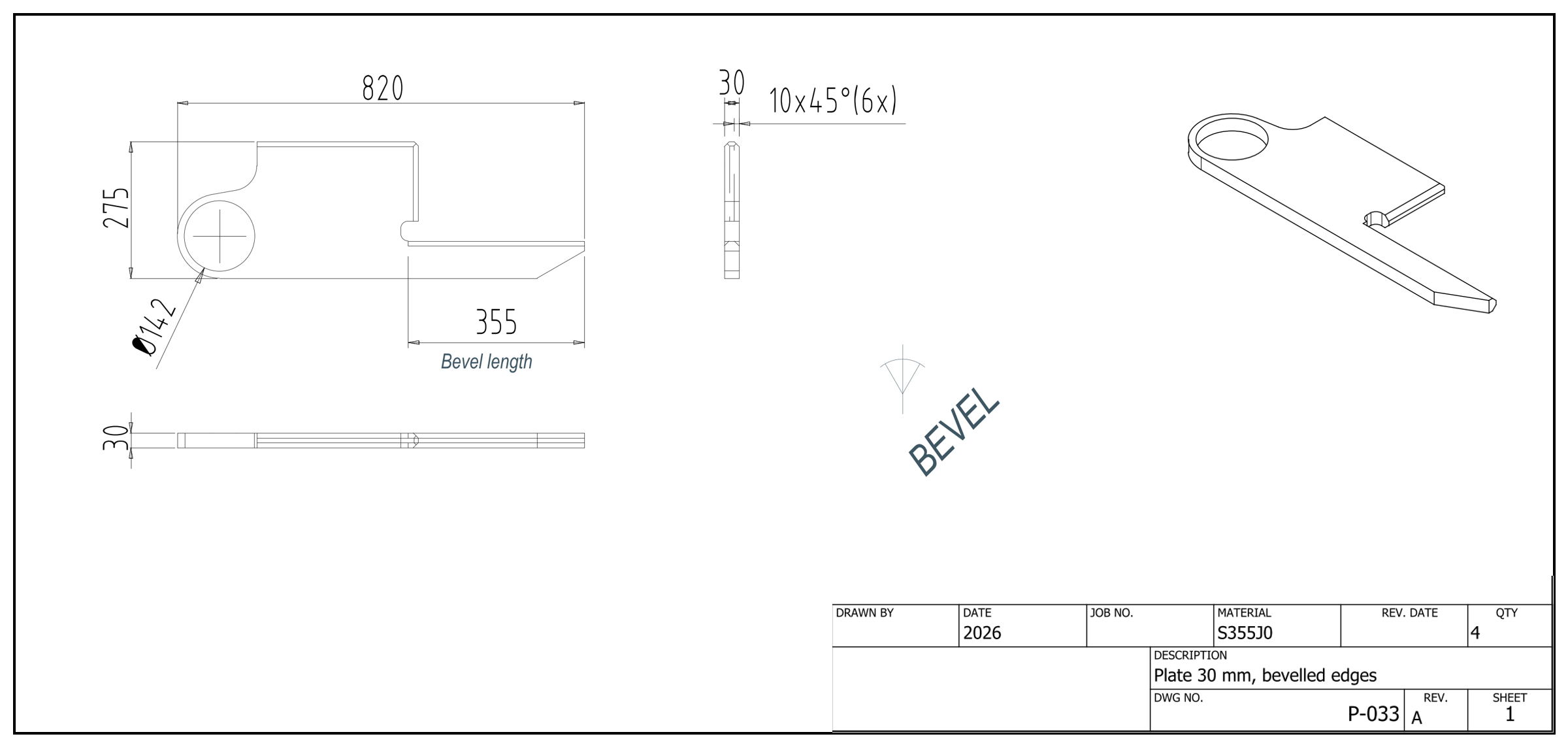
Four identical parts, one drawing.
Drawn once, with the quantity. Every dimension, the bevels and a title block in your standard.
Marking 03 / 04
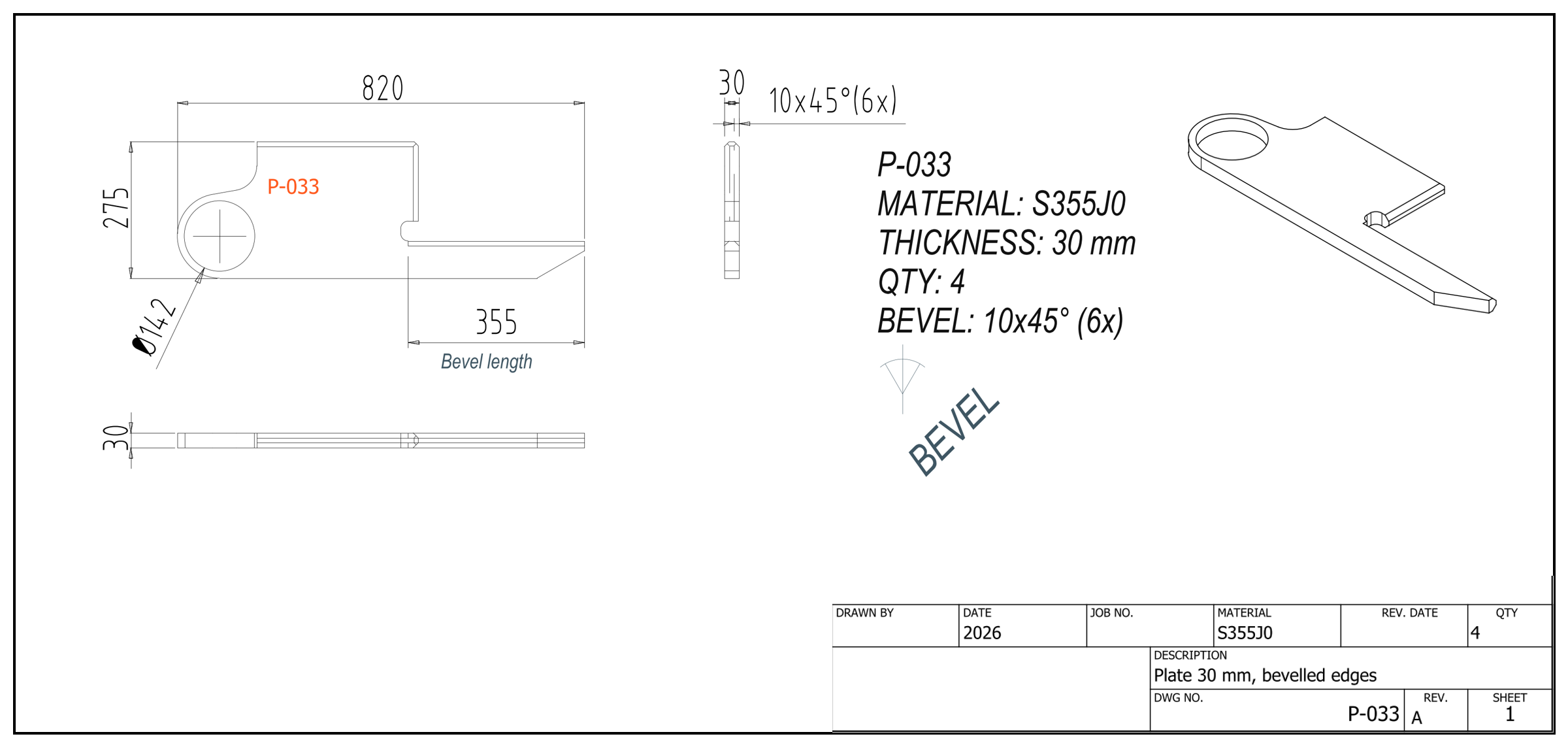
Marking code and description added.
The part code is marked on the plate, and the description spells out material, thickness, quantity and bevels.
Nesting 04 / 04
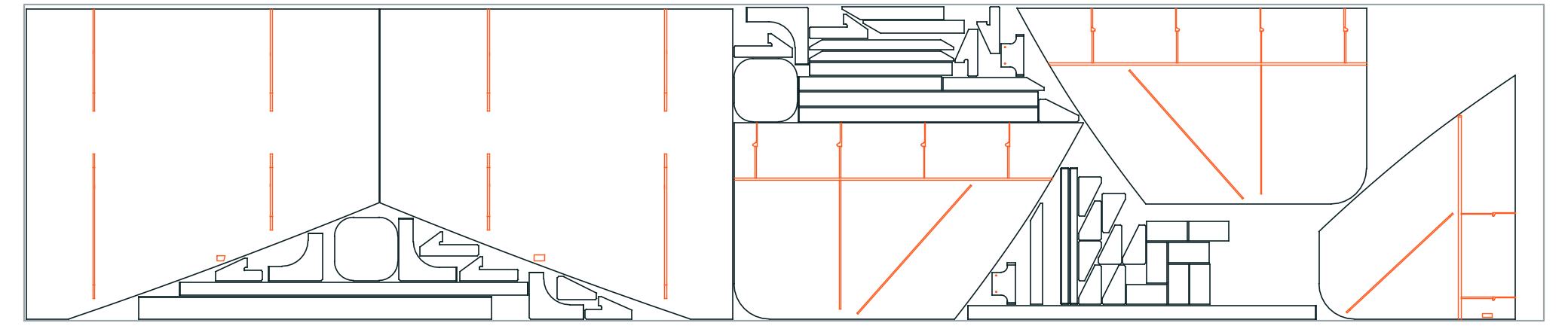
Laid out on standard sheets.
Cut outlines and marking lines, ready for the cutting machine.
Our approach
Over ten years as a mechanical designer on complex welded structures for the defence, naval and chemical industries. AI takes over the repetitive drafting; the decisions stay with experience.
AView A · Method
How we work
The same method on every project. AI takes over the repetitive drafting; the design decisions stay with an experienced designer, and yours stay with you.
You send a STEP file and show us how you want the files back.
A drawing, a cutting list or a nesting you already use, or just a few lines: title block, file names, formats. We follow your standard, not ours.
We read the model and group similar parts.
Anything uncertain is checked by our team. You approve the groups on the 3D before anything is renumbered.
Drawings are generated from the 3D.
One dimensioned drawing per part, produced in batch.
Real recording · Autodesk Inventor1.6× speed · bevel close-ups Nesting and delivery.
DXF files and nesting, ready for the shop.
BView B · Deliverables
What you get back
Everything the shop needs to start cutting, generated from one 3D file.
| Item | Deliverable | Content |
|---|---|---|
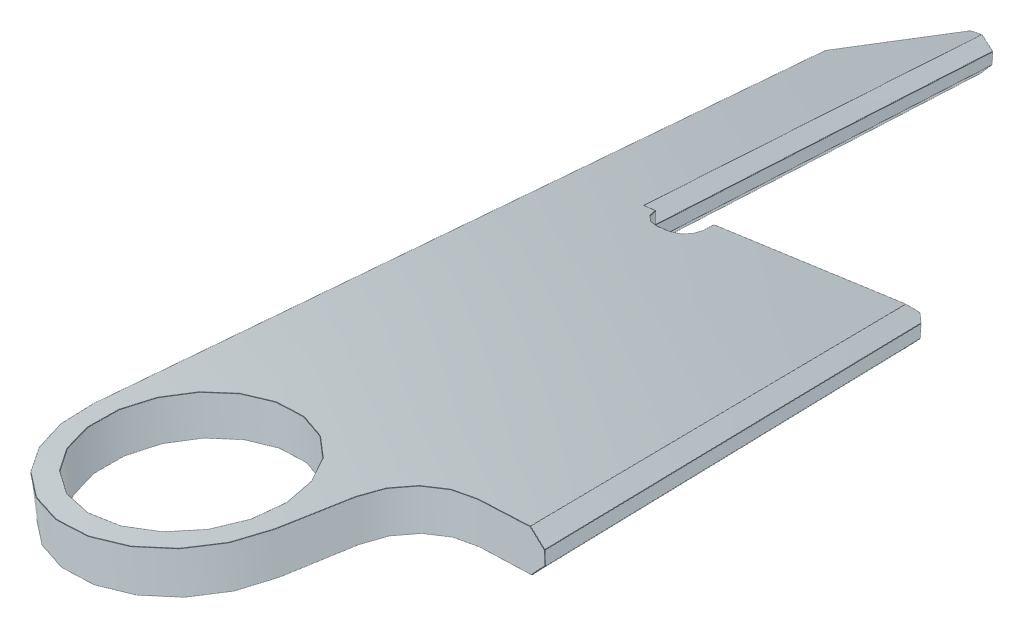
| 1 | Cutting drawings | Dimensioned drawings, bevels and marking lines included.Generated from the 3D model, in your drawing standard, with thickness, material and quantity. |
| 2 | DXF files | Clean outlines for your machine.One file per part, named by part code, exported in one batch. |
| 3 | Nesting | Every part placed on standard sheets.With cut outlines and marking lines. |
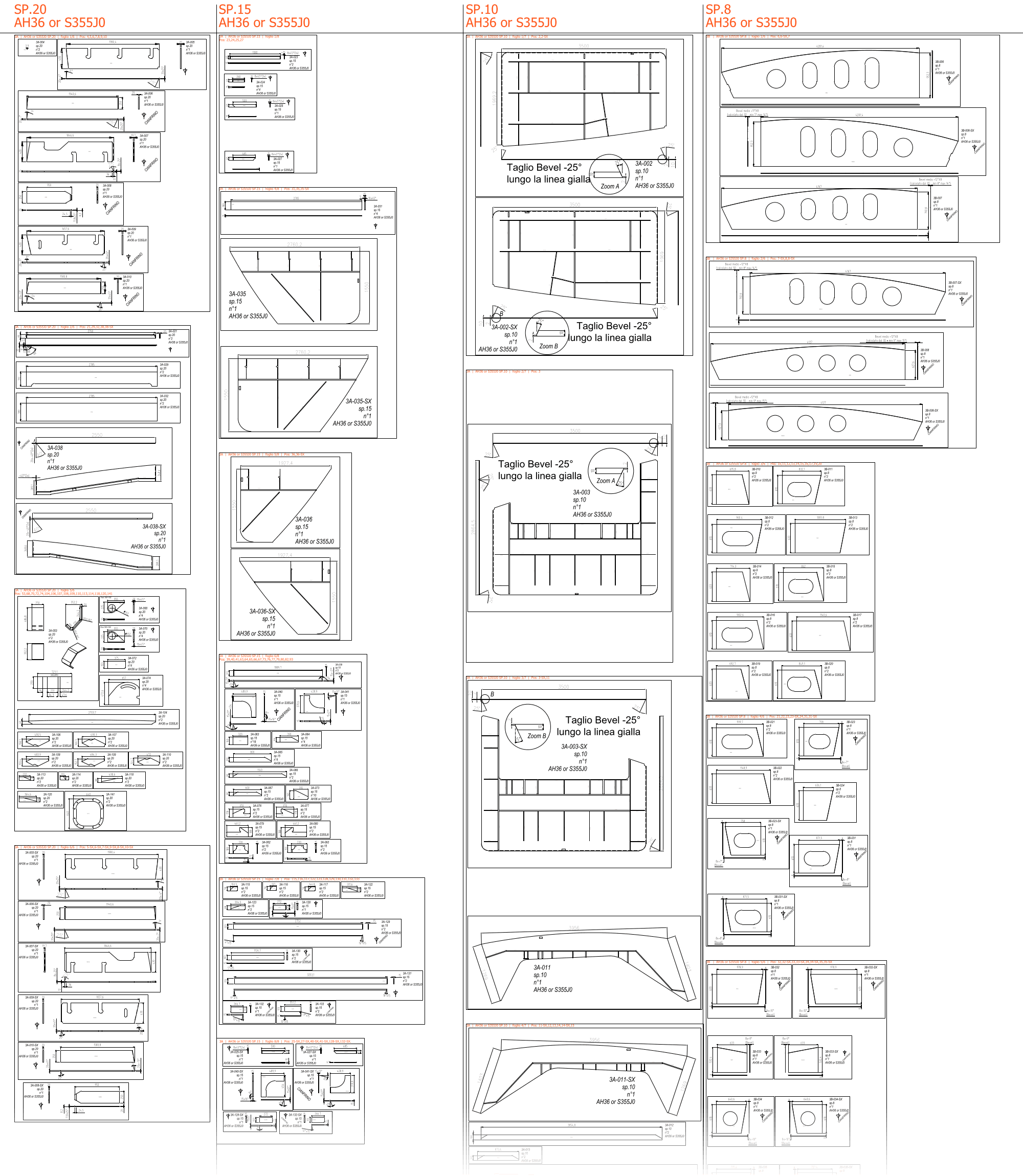
| 4 | Cutting booklet · on request | Every part at 1:1.Grouped by material and thickness, with code and quantity. |
BItem 4 · Single file · on request
One file with every part
Some of our clients like every part of the job in one file, sorted by plate thickness. We can deliver it that way too, with sheets ready to print.
CView C · Quality control
Independent AI verification.
No manual copying, no human error. One system produces the files, another checks them: Python scripts measure every part against the 3D model.
Thickness
Read from the geometry.
Material
Checked against the bill of materials.
Quantity
Counted in every file.
DView D · Questions
Questions
Is it all done by AI?
No. Software does the repetitive work: drawings, cutting files, checks. An experienced mechanical designer makes the decisions and signs off every delivery.
Can you follow our drawing standard?
Yes. Send us a drawing you already use and we work the same way: title block, file names, layout.
What if the design changes?
Send the new revision. We update the drawings and run every check again.
What do we get back?
PDF drawings, DXF cutting files and nesting, ready for your shop.
EView E · Guides
From the blog
Practical guides on automating 3D to 2D work with AI.
Guide 3 min read
Can AI drive Autodesk Inventor? A guide for steel fabricators and design offices
Inventor can be controlled from outside, with scripts written and run by an AI agent. What that means in practice, what you need, what stays with the designer, and where it goes wrong.
Lessons 3 min read
Seven mistakes AI automation made on our cutting drawings, and the fix for each
An AI agent drafting from a STEP file is fast. It is also fast at repeating the same mistake on every part. The mistakes our AI-driven process made, and the rule each one left behind.
STEP 2 min read
Can AI find identical and mirrored parts in a STEP assembly?
Yes, and it is where an AI agent saves the most time: hundreds of drawings become far fewer. It is also where it can get a plate cut backwards. How the agent tells identical, mirrored and similar parts apart, and where a person must decide.