Case studies · 12 Oct 2026 · By Stefano B.
Plate nesting in 5 working days: 1384 parts, before the drawings were delivered
Four welded steel assemblies, 1384 parts, nested in 5 working days and sent before the drawings were delivered, so the steel could be ordered early.
Four welded steel assemblies, each built twice: as drawn and mirrored. The customer needed to order the steel plate as early as possible. We sent the plate nesting 5 working days after the STEP models arrived, before the drawings were delivered. Customer names are removed.
| Parts on the nesting | 1384 |
| Sheets | 22 to order (12 × 2.5 m), plus 10 already in stock |
| From STEP to nesting | 5 working days |
| Drawings delivered | after the nesting |
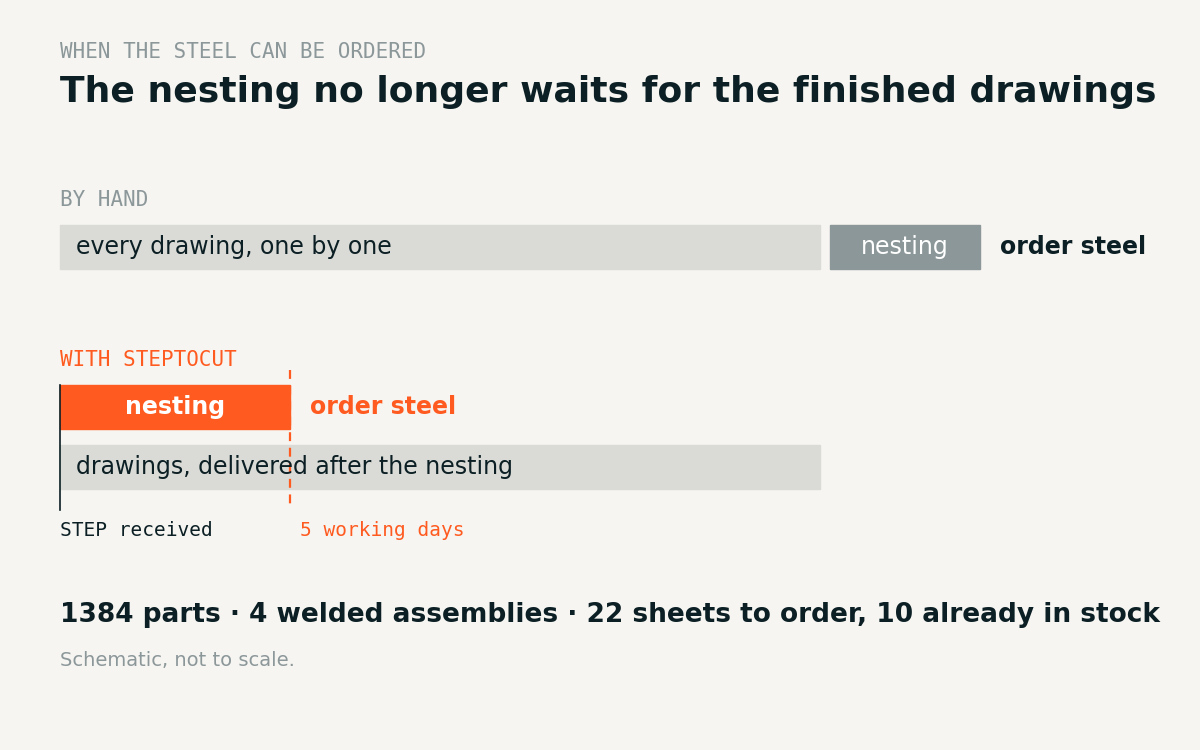
Why this is hard by hand
A nesting needs the exact outline of every part. By hand, those outlines come from the finished drawings, so the nesting waits for the whole drawing package, and so does the steel order.
How we did it in days
- Drawings generated automatically from the 3D model by an iLogic rule, in one batch.
- Cut views extracted from the drawings by a script: the true outline of each part.
- Our plate nesting program placed every part by its real outline, on the sheets in stock first and then on new 12 × 2.5 m sheets.
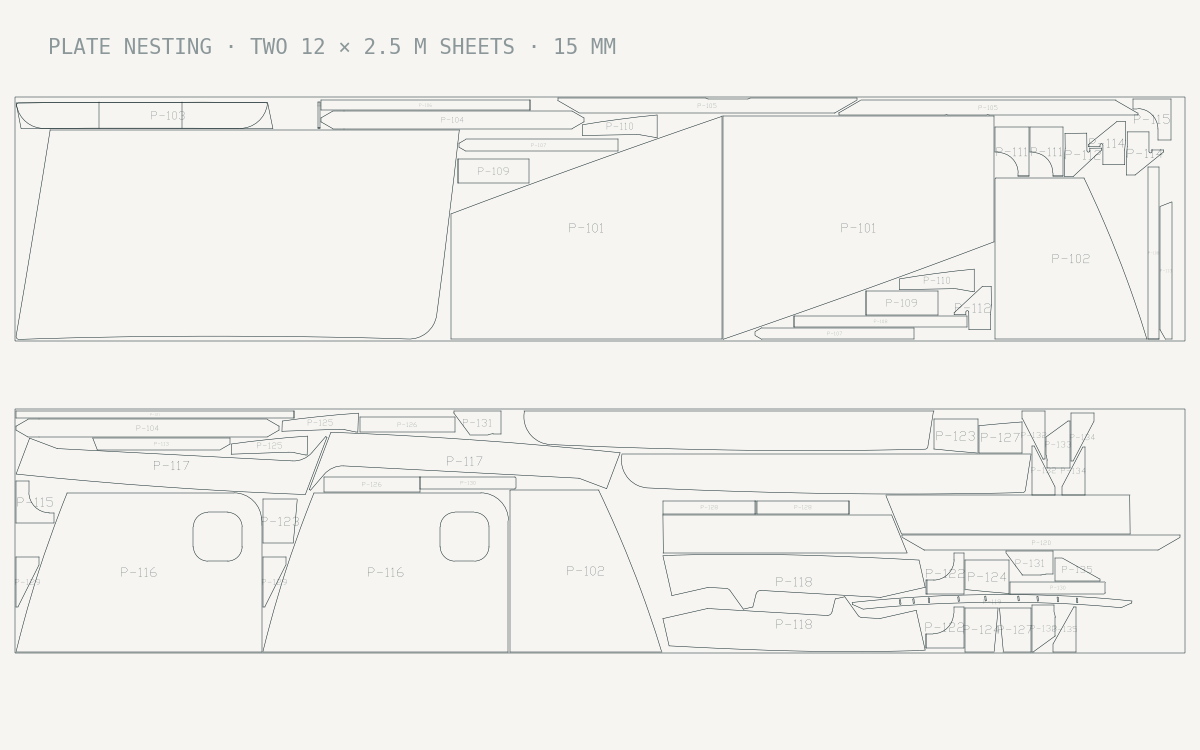
The customer got the number of sheets to order while the drawings were still being checked.
What it means for you
You order the material early and start cutting sooner.
Related: Inventor drawing automation on two welded assemblies · steel plate nesting